
Zones represent territories that jobs are located in. You can setup as many zones as you need, including out of state if necessary.
Each job can be assigned to a specific Service Zone. Setting up zones will allow you to better perform your service on job sites as the Service Interval report is grouped by Zone. You can easily send out drivers to particular zones so that they are not crisscrossing around town. There are also other reports available that are sorted/grouped by zone (i.e. Open Jobs by Zone).
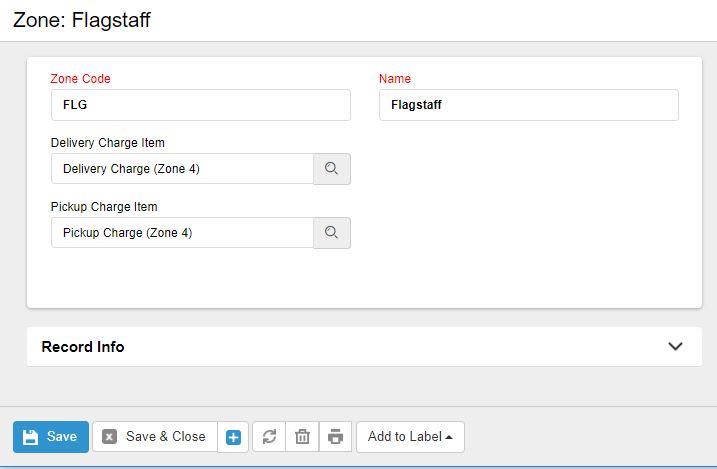
Zone ID: Use a brief code that will identify the zone when printed on a report.
Zone Name: You just need to enter in the Zone Name that references the part of town you have sectioned off.
Delivery Charge Item: If you enter a line item for your delivery charge, this will automatically be added to all Delivery tickets.
Pickup Charge Item: If you enter a line item for your pickup charge, this will automatically be added to all Return tickets.
0 Comments