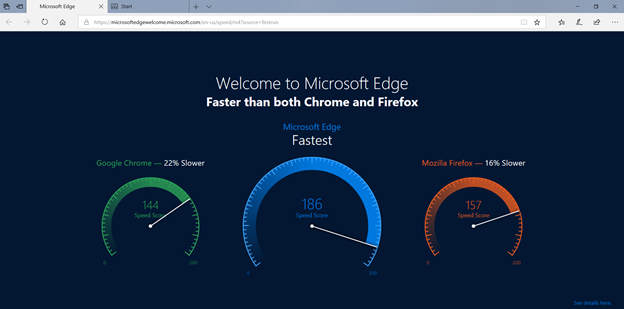
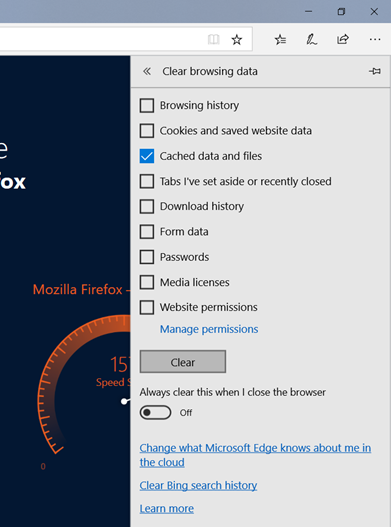
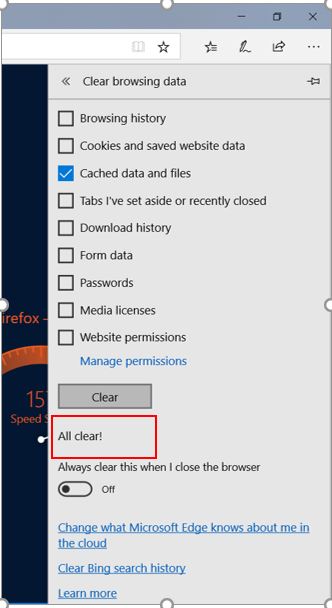
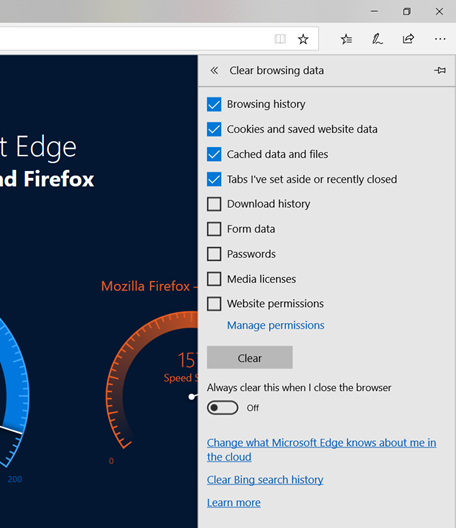
How to clear cache in Microsoft Edge Joel Peck July 11, 2018 17:38 Follow Open Microsoft edge and press Ctrl Shift Del. In Clear browsing data, uncheck all the boxes except Cached data and files. After checking Cached data and files, click on the clear button. The cache is cleared. Have more questions? Submit a request 0 Comments Please sign in to leave a comment.

0 Comments