
SMS notification feature has been added to TCR. It works as follows.
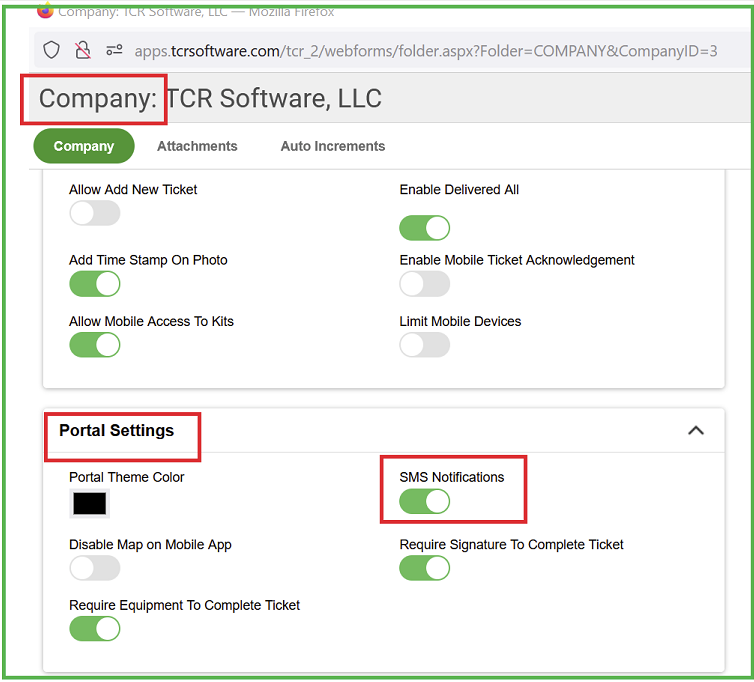
Step1: Go to Company settings ->We need to check 'SMS notifications' toggle under 'Portal Settings' area.
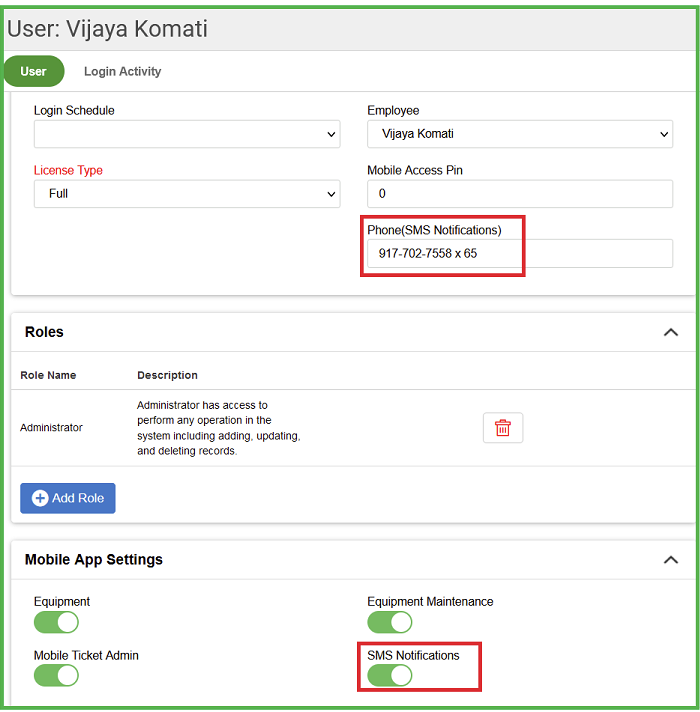
Step2: Go to 'Users' screen and check 'SMS notifications' toggle and then add your phone number
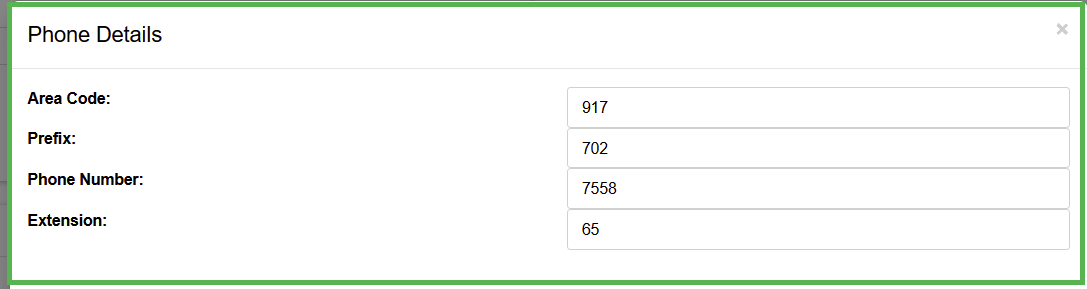
when you double click on the 'phone(sms notifications)' field you could see the below screen to add your phone number along with area code.
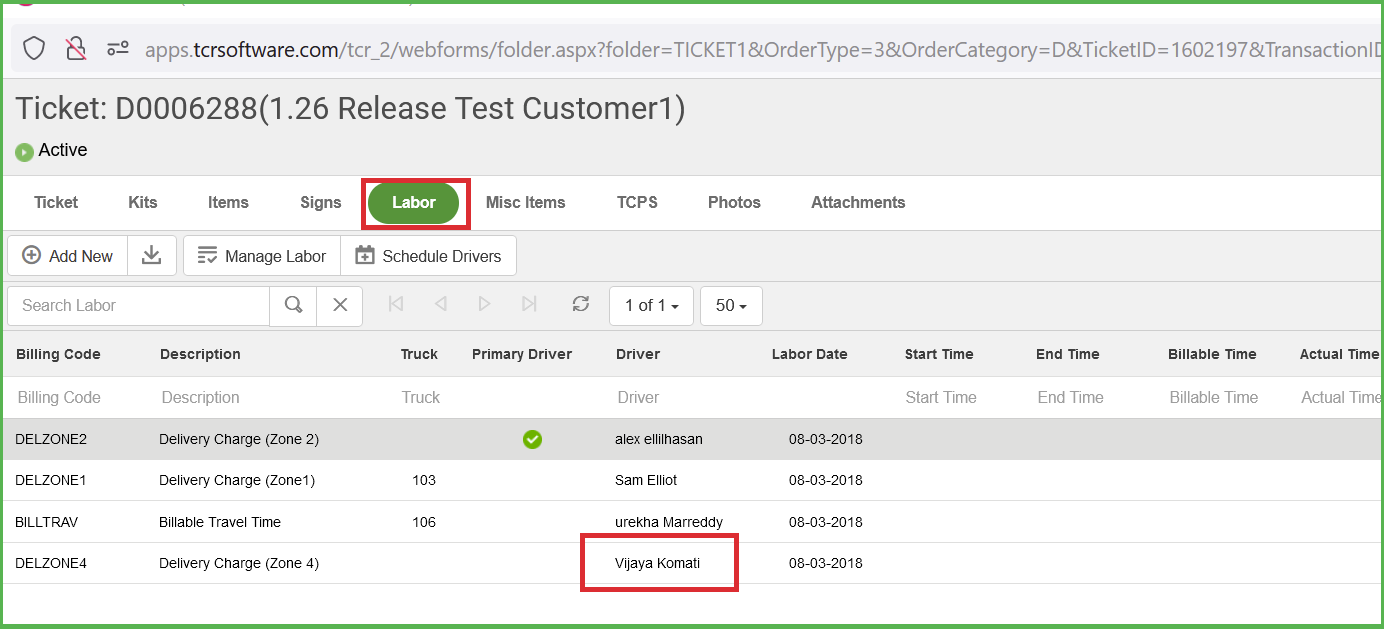
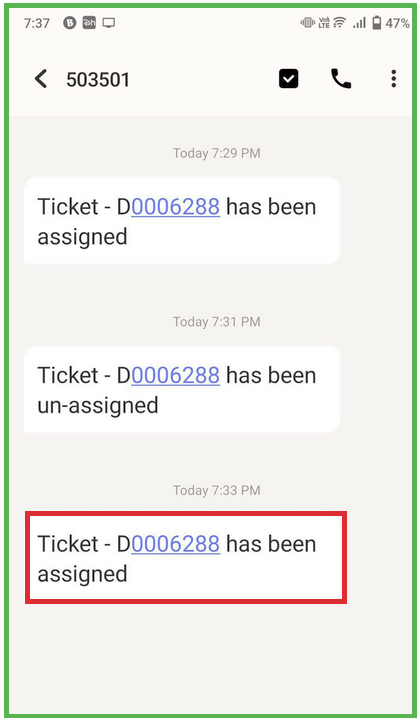
Step3: Assign labor to any ticket
Step4: and then you will receive SMS notification on your phone.
0 Comments